How You Can Disable Reels on Instagram Step by Step
You can’t fully disable Instagram Reels, but you can limit them.
Start by adjusting your activity settings to hide Reels likes and comments in the Friends tab.
You might also delete individual reels by tapping the three-dot menu on each video in your profile’s Reels tab.
To reduce visibility further, use device settings to mute notifications or browse Instagram on desktop.
Interested in more ways to control and manage your Instagram experience?
Let’s explore some options that can help you tailor your feed and reduce distractions while using the platform.
Instagram can be a fun space, but sometimes it feels overwhelming.
Taking a few steps can help create a more enjoyable experience tailored to your preferences.
Understanding Instagram Reels and Their Impact
Although Instagram Reels have become a major part of the platform, offering short, engaging videos up to 90 seconds long, you might find them distracting or overwhelming.
Instagram Reels dominate social media, driving much of the content you see and boosting engagement for influencers and brands.
The feature challenges platforms like TikTok by emphasizing creative, bite-sized videos that grab your attention quickly.
However, not every app version allows you to easily disable Reels, which can make managing your feed frustrating if you prefer to focus on other content types.
Understanding how Instagram Reels impact your experience is key before trying to disable them.
Knowing their role in social media will help you decide whether to limit or hide them to reduce distractions and tailor your Instagram browsing.
Methods to Limit or Hide Reels on Instagram
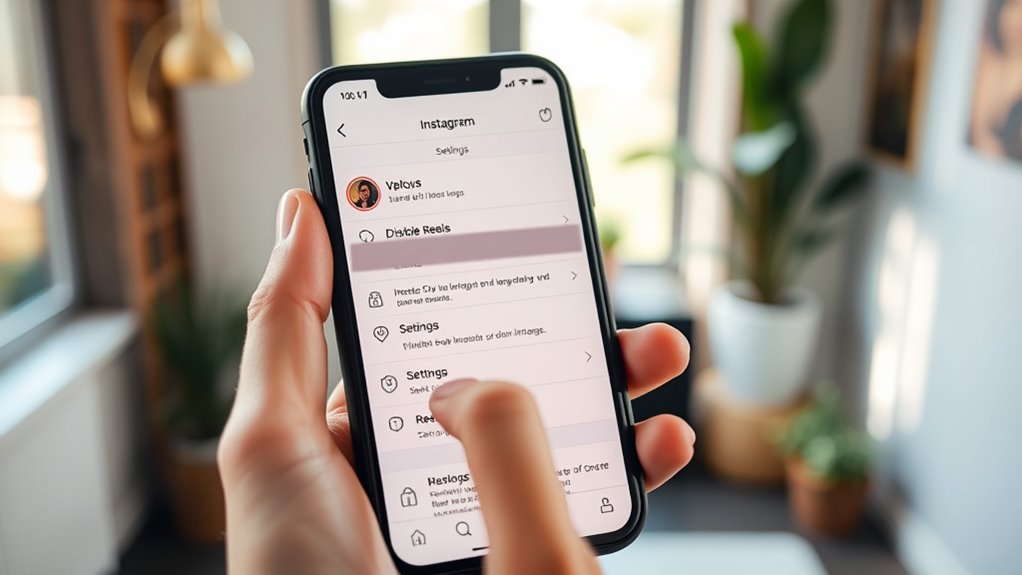
If you want to reduce the presence of Reels on Instagram, several methods can help you limit or hide them effectively.
You can adjust your activity settings to hide your likes and comments on Reels in the Friends tab, which lowers their visibility.
Using third-party apps like AppBlock lets you schedule times to disable Reels, restricting access when you want.
Another trick is installing an older Instagram version or disabling updates, preventing Reels from showing up in your feed or Explore page.
Browsing Instagram via a desktop web browser also helps since the interface limits Reels exposure compared to the app.
How to Delete Individual Reels From Your Profile
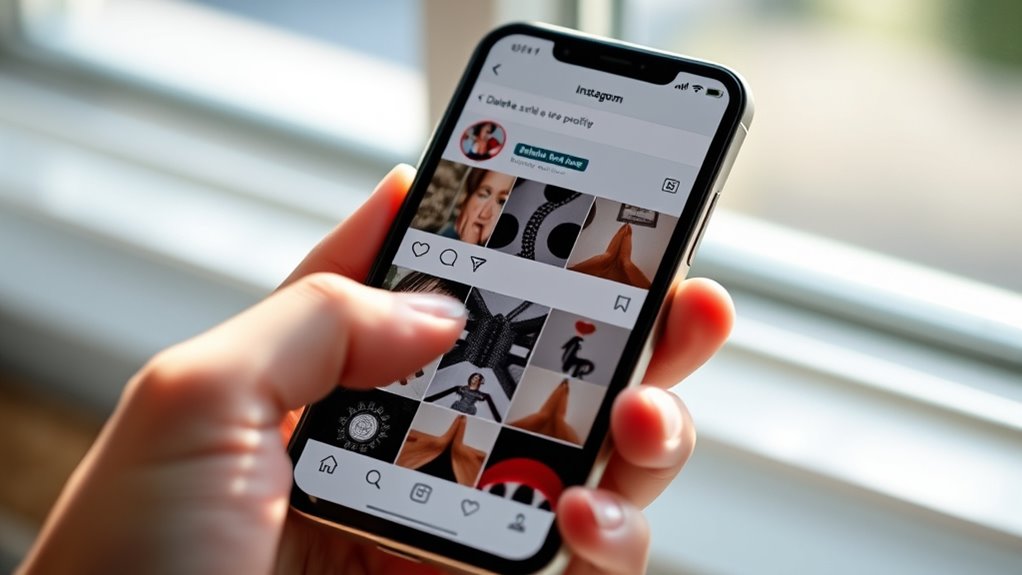
When you want to remove a specific reel from your profile, you can do so quickly through the Reels tab.
First, tap your profile picture to access your profile, then select the Reels tab to view all your uploaded videos.
Find the reel you want to delete and tap it.
Next, tap the three-dot menu icon, usually located at the bottom right of the reel.
From the menu that appears, choose “Delete.”
You’ll be prompted to confirm the deletion—make sure you want to proceed because this action is irreversible.
Once confirmed, the reel will be permanently removed from your profile and won’t be visible to your followers anymore.
Remember to back up any important content before deleting.
Using Device-Specific Settings to Reduce Reels Visibility
While Instagram doesn’t offer a direct option to disable Reels entirely, you can use your device’s settings to reduce their visibility and notifications.
On Android, you might consider installing an older Instagram APK version without Reels and then disable automatic updates.
For iPhone users, adjusting notification settings helps mute Reel alerts.
You can also restrict app permissions through device settings to block Reels features or limit Instagram’s access to certain functions.
Another effective method is to hide app icons or enable parental controls like Restricted Mode to prevent easy access to Reels.
Finally, browsing Instagram via a web browser on your device can help avoid Reels altogether since the web version typically lacks this feature.
These steps let you minimize Reels without fully disabling the app.
Employing Third-Party Tools to Manage Reels Content
Reducing Reels visibility using device settings can only take you so far.
So, exploring third-party tools offers another layer of control. Apps like AppBlock and Freedom let you set app restrictions, blocking Instagram Reels during specific times.
Some third-party tools provide content filtering features that hide or prevent Reels from showing up within the app. You can also use automation platforms like IFTTT or Tasker to create custom scripts that disable Reels notifications or limit their visibility.
Keep in mind, advanced blocking often requires root or jailbreak access, which poses security risks.
Always choose reputable third-party tools compatible with your device to avoid vulnerabilities or app malfunctions.
Using these methods, you gain more precise control over your Instagram Reels experience.
Tips for Managing Instagram Content and Enhancing Privacy
To keep your Instagram profile organized and secure, you should regularly manage your Reels by deleting or hiding content that no longer fits your style or goals.
Regularly managing your Instagram Reels keeps your profile organized and aligned with your personal style and goals.
This helps maintain a focused and professional appearance.
You can also adjust your Instagram settings to enhance privacy, controlling who can view your Reels and limiting visibility of your interactions like likes and comments.
Managing content in this way prevents unwanted exposure and keeps your profile aligned with your preferences.
Additionally, using app restrictions or third-party tools can further help block Reels features from appearing on your device.
Frequently Asked Questions
Is There Any Way to Turn off Reels on Instagram?
You can’t fully turn off Reels on Instagram, but you can hide them from your feed by adjusting content preferences or using the browser version.
Uninstalling the app or downgrading it also removes Reels temporarily.
How Do I Stop the Reel on Instagram?
Think of Reels as a persistent radio station you can’t fully turn off.
You can’t stop them entirely, but you can mute their presence by hiding them, adjusting feed preferences, or using app blockers to limit your exposure.
How Do I Turn off Reels on My Phone?
You can’t fully turn off Reels on your phone, but you can hide them by adjusting your feed preferences.
You can also disable notifications or use an older app version on Android.
Browsing via web also minimizes Reels exposure.
How to Disable Reels and Shorts?
Think of Reels and Shorts as persistent street performers—you can’t shut their stage entirely, but you can turn away, tweak settings, or use third-party tools to block their spotlight.
This way, you can find some peace from constant performance.
Conclusion
Did you know over 85% of Instagram users watch Reels weekly?
If Reels feel overwhelming, you’re not alone.
By following these steps, you can easily limit or hide Reels from your feed. You can also delete any Reels you’ve posted.
Plus, there are device settings and third-party tools to help customize your experience.
Taking control not only reduces distractions but also helps protect your privacy.
This way, you can enjoy Instagram on your own terms without the constant flood of short videos.
In conclusion, if you’re looking to reduce the impact of Reels on your Instagram experience, it’s totally doable.
By limiting what you see and adjusting your settings, you can create a more enjoyable and less overwhelming environment.
Enjoy Instagram your way, free from distractions and with enhanced privacy!